Create a workspace
A workspace is the private container that holds your bookmarks, folders, and members. You can have many — one for personal browsing, one per project, one for your team.
Everything you save is scoped to the active workspace: folders, bookmarks, and API keys do not leak across workspaces unless you explicitly move items. Switching workspaces from the top-left switcher changes the hub you see immediately.
Prerequisites
- You are signed in to not24get with a role that can create workspaces (member or admin; support cannot create workspaces).
- You know whether this container is personal, project-specific, or shared with teammates you will invite later.
- Check your plan limits if you already have many workspaces; creation can fail when a quota is reached.
Steps
Open the workspace switcher
Click your workspace name in the top-left corner of the app.
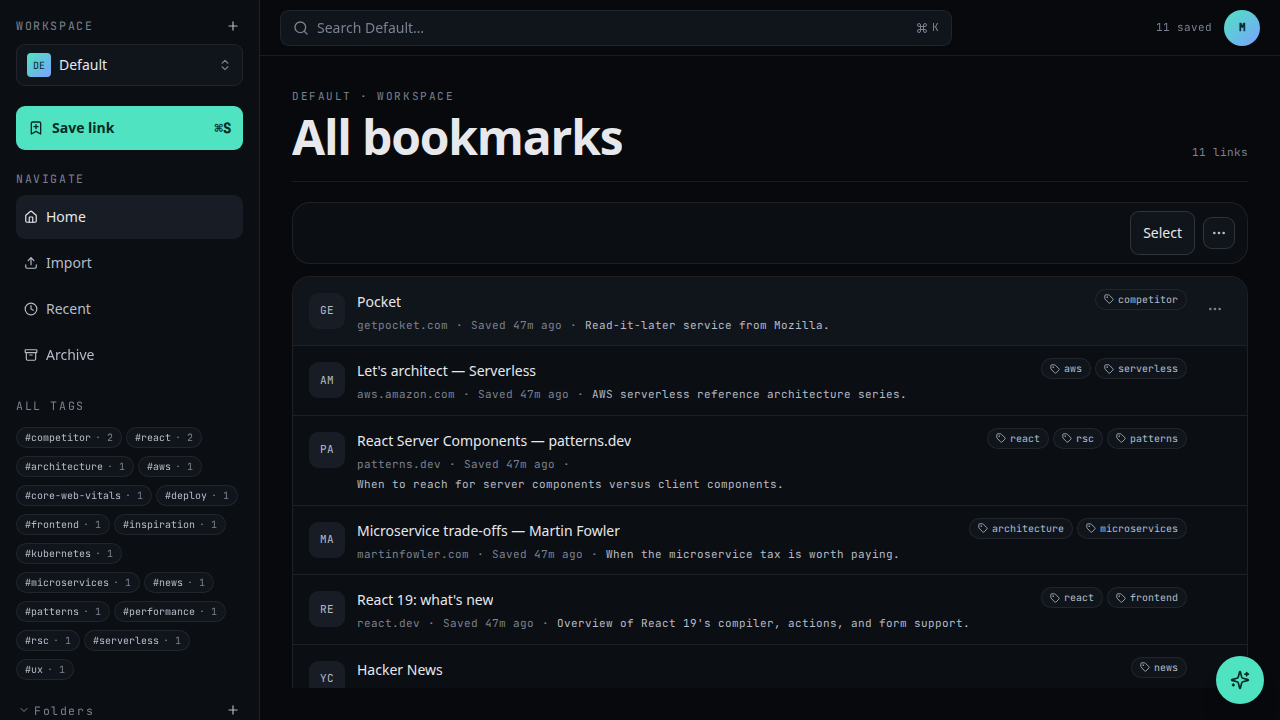
Choose New workspace
At the bottom of the switcher, click + New workspace.
Name your workspace
Give it a short, recognisable name. You can change it later in Workspace settings.
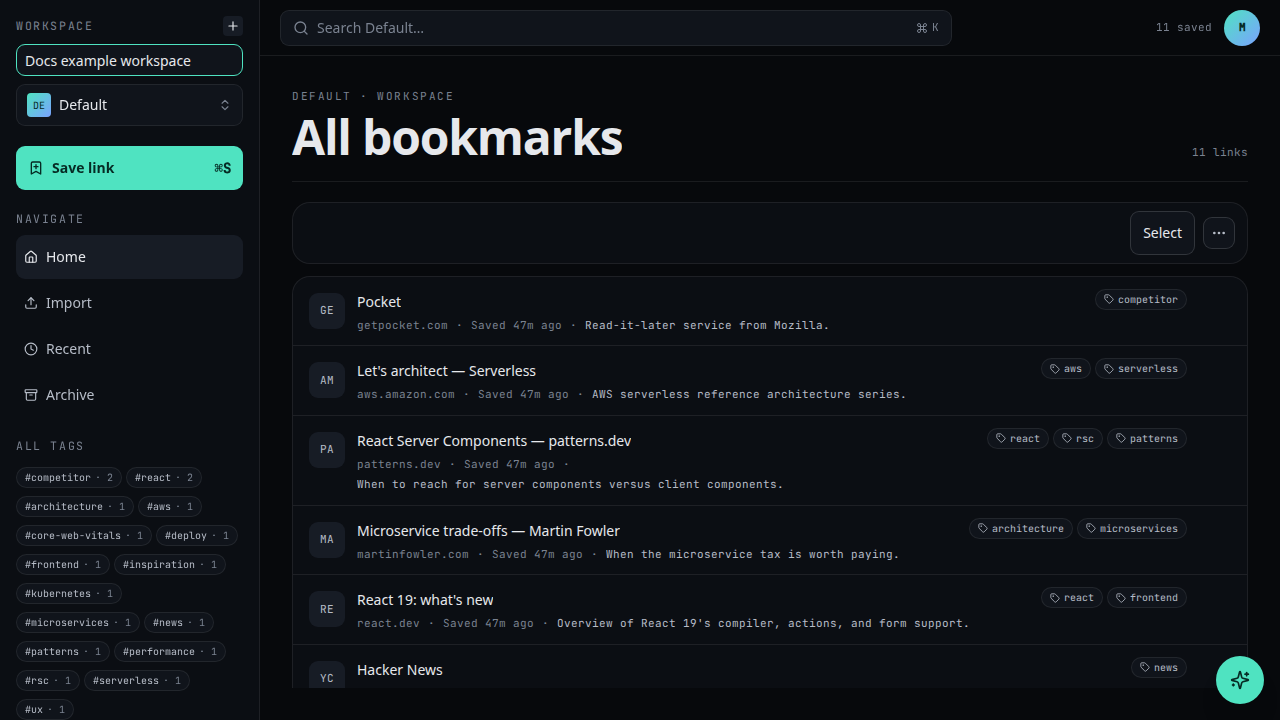
Create
Click Create. You're switched into the new workspace immediately.
Troubleshooting
- + New workspace is missing — your tenant role may be support, or the UI may still be loading membership. Refresh after an admin updates your role.
- Create fails with a limit message — you hit a plan quota. Remove unused
workspaces or upgrade; API clients see
plan_limit_exceeded(see Errors). - I created it but see old bookmarks — you may have switched back. Open the switcher and select the new workspace name.
- Need teammates in this workspace — invite them with Invite members and choose workspace scope in the advanced invitation options.
When to create another workspace
Create a new workspace when context should stay separate — personal browsing versus a client project, or a team library that must not mix with private links. Prefer folders inside one workspace when the same people collaborate on related topics. Workspaces multiply API keys and memberships, so only split when the boundary is real.
Related
- Create a folder inside the new workspace
- Invite members
- Save a bookmark
- Create an API key
- Getting started
- Workspaces API reference: /developer-manual/api-reference/workspaces